Valley AI promises to automate your LinkedIn outreach using AI. That sounds good on paper.
But here's what I kept asking myself before writing this: Does it actually hold up when you put it to work?
Like automating LinkedIn connection requests and engaging prospects with human-sounding messages.
That's exactly what I'm going to break down for you.
I watched Valley AI demos and analyzed user case studies on its website.
I wanted to understand what Valley AI does, how it works, what it gets right, and where it falls short.
So you don't have to figure that out after paying for it.
Here's what's inside this review:
I'll start by explaining what Valley AI is and how it works.
Then I'll walk through its top LinkedIn automation features.
After that, I'll break down the pricing so you know what you're actually paying for.
I'll also share the best alternative if Valley AI isn't the right fit for you.
Let's get into it.
Valley AI is a LinkedIn automation platform built for warm outbound sales.
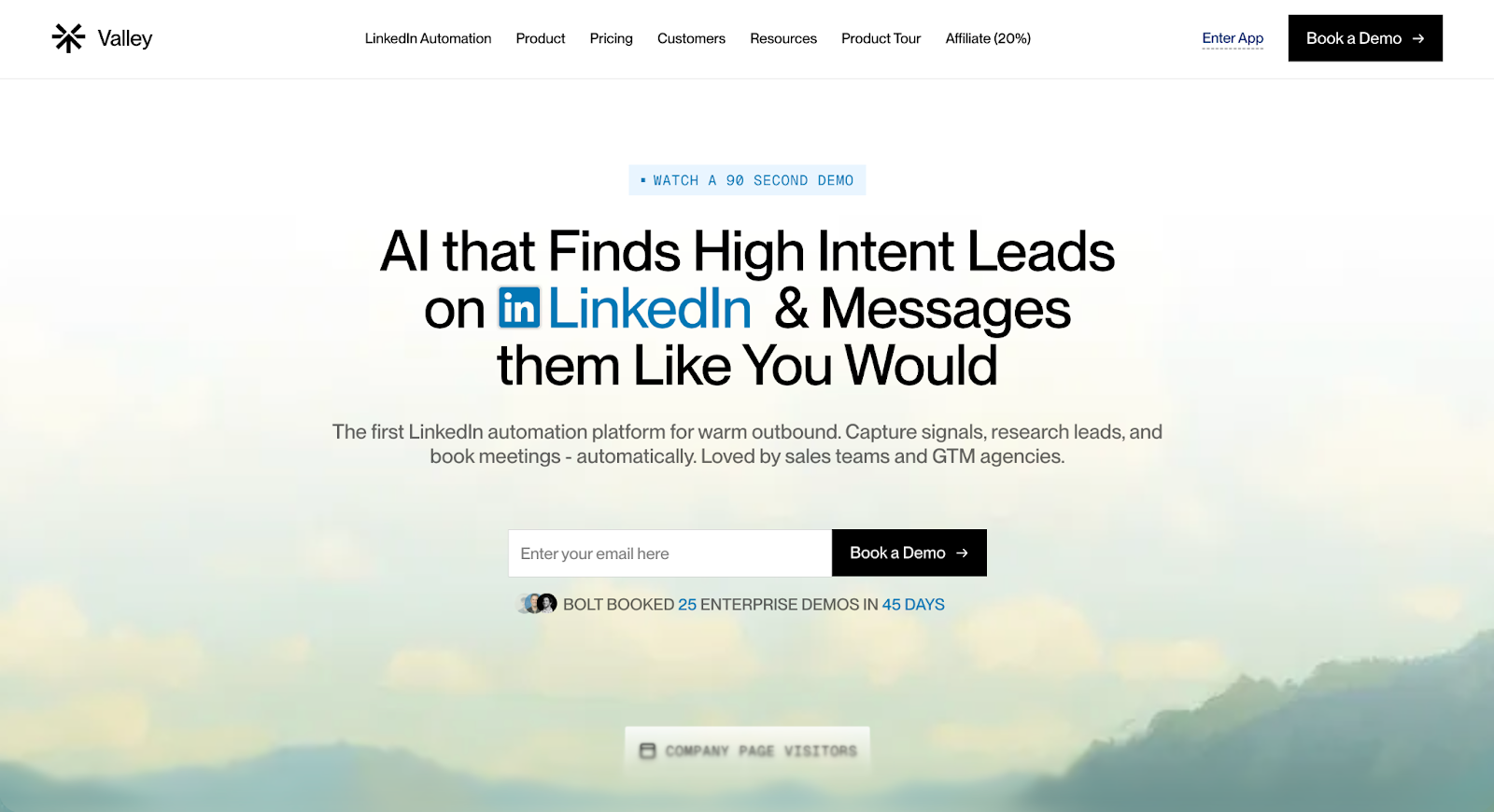
Basically, it finds people who are already paying attention to you on LinkedIn and reaches out to them automatically.
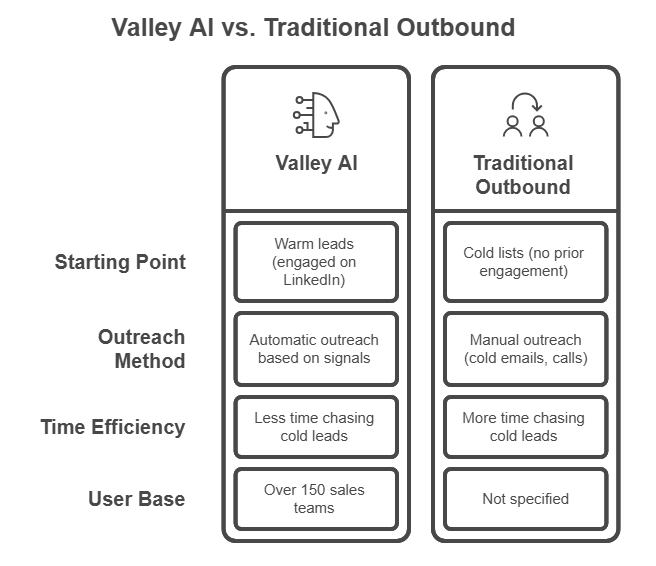
For example, if someone visits your LinkedIn profile, engages with your post, or follows a competitor, Valley captures that signal and turns it into an outreach opportunity.
9 Best Sales Prospecting Tools & Software for 2026
Valley AI makes the most sense when your outbound strategy depends on LinkedIn engagement rather than large cold lead lists.
If your goal is to reach out to people who are already interacting on LinkedIn, commenting on posts, engaging with competitors, or participating in industry discussions, Valley helps surface those opportunities automatically.
In practice, this means you are not starting conversations completely cold.
You are approaching prospects who have already shown some level of activity or relevance in your space.
Teams typically use Valley AI for workflows like:
The limitation becomes clear once outreach needs grow beyond LinkedIn.
Valley AI is primarily built for LinkedIn-first prospecting, not full outbound execution.
It doesn’t natively run email campaigns, manage deliverability, or handle replies across channels.
Because of this, teams often add separate tools when they want email outreach or a complete SDR workflow.
So, Valley works well if LinkedIn engagement is your main acquisition channel, but it may feel limiting for teams trying to run multichannel outbound at scale.
Three features show up consistently across user feedback.
Here's a closer look at each one.
Valley scans blogs, newsletters, YouTube videos, funding news, and company updates for each prospect before writing a message.
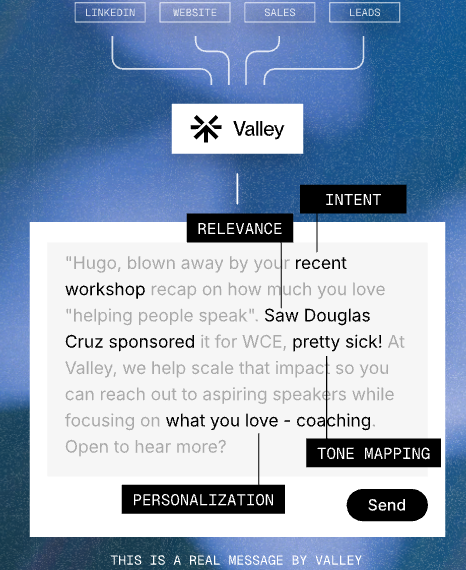
This is not a mail merge.
Valley finds a specific reason to reach out to something the prospect published, a company milestone, a hiring pattern, and references it directly in the message.
This stands out because Valley AI, as it claims, researches 60+ data points per lead.
Unlike other tools, it writes based on what prospects actually published.
Most tools stop at surface-level personalization, but Valley goes deeper.
Valley tracks people already showing interest in LinkedIn profile visitors, post engagers, competitor followers, instead of pulling from a cold list.
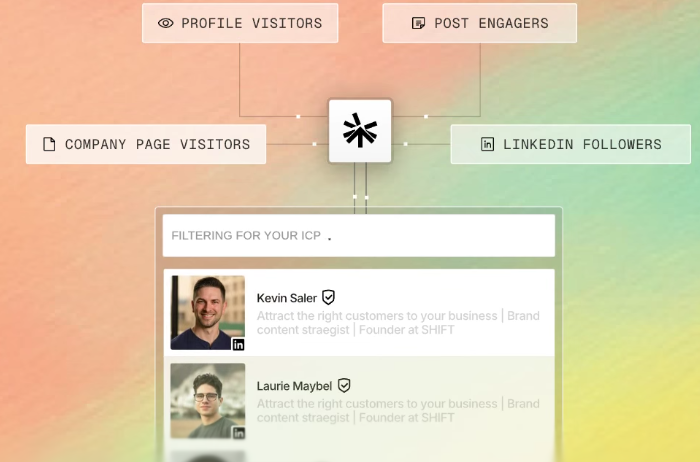
You only message people who are already paying some attention.
That changes the quality of conversations you have. Not because Valley sends more messages, but because it targets people who are already in-market.
What this looks like in practice:
Valley writes messages that sound like you wrote them, not like an AI tool wrote them on your behalf.
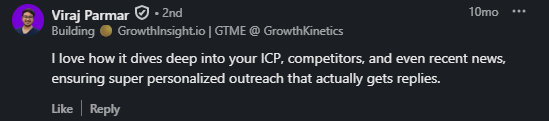
Users say they read the drafts and are surprised by how natural they feel. One founder says he looks at messages Valley generates and thinks "where did it find this?" referring not just to the research, but to the way the message is written.
Source: LinkedIn
This matters because LinkedIn prospects can tell when a message is templated.
A message that sounds like a real person gets a reply. A message that sounds like automation gets ignored.
Valley trains on your writing style and applies it across every message it sends.
Three problems come up repeatedly. Let me walk you through each one.
Valley works on LinkedIn only. Full stop.
No cold email. No multi-channel sequences. Just LinkedIn.
Now, if your entire outbound motion lives on LinkedIn, that might be fine.
But most outbound teams run email and LinkedIn together because that's what actually books meetings consistently.
Here's what happens when you want email with Valley:
That's a lot of extra work for something that should be built in.
Salesforge runs email and LinkedIn from one place. No extra tools. No extra cost. No extra headache.
Let's do the math together.
For a small team or agency, that number adds up fast. $995/month is close to $12,000 a year for three LinkedIn accounts.
The jump from 1 seat to 3 seats costs an extra $600/month. That's $200 per additional seat. For LinkedIn automation.
Salesforge gives you unlimited mailboxes and unlimited LinkedIn senders.
You don't pay per seat. You don't do the mental math every time someone new joins the team.
Valley's Growth plan comes with a promise: 10 meetings booked in 90 days or Valley works for free.
Sounds good. Here's what they don't put in the headline:
So it's not really "10 meetings or free." It's "10 meetings or free, but only if you hit a very specific usage number every single month without fail."
If you're a small team still figuring out your outbound motion, hitting 600 messages per seat per month consistently is not guaranteed.
And if you don't hit it, you lose the only safety net Valley offers.
Salesforge does not attach conditions to its value. You sign up, you run outbound, you see results.
Valley AI has three pricing plans. Here's my honest breakdown, and yes, I have thoughts.
Valley Base: $395/month - 1 seat (As of 2026)
What you get:
Why I'd think twice:
Valley Growth: $995/month - 3 seats (As of 2026)
What you get:
Why I'd think twice:
Valley Scale: Custom Pricing (10–50 seats)
What you get:
Why I'd think twice:
All three plans include in-app chat, email support, onboarding videos, and call access.
But the jump from Base ($395) to Growth ($995) is $600 more per month for just 2 extra LinkedIn seats. Do the math on that one.
Valley runs on four steps:
Valley AI is not built for everyone. Here's where it actually makes sense and where it doesn't.
The tool works well if you run outbound primarily on LinkedIn, have a defined ICP, and don't need email sequences.
If that's your entire focus and your budget allows it, it's worth considering.
But if you need email alongside LinkedIn, manage multiple client accounts, or want a tool that scales without the per-seat cost piling up, Valley starts showing its limits pretty fast.
That's where a tool like Salesforge covers more ground without requiring a second subscription to fill the gaps with its email plus LinkedIn support.
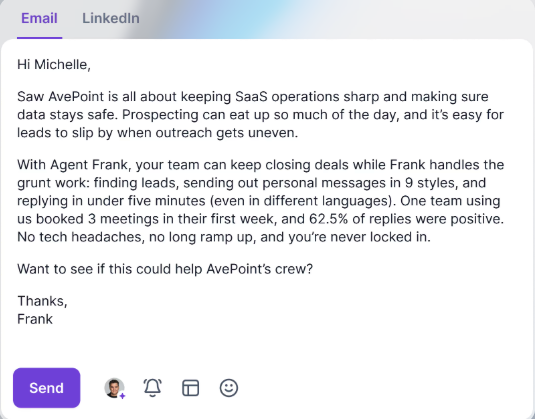
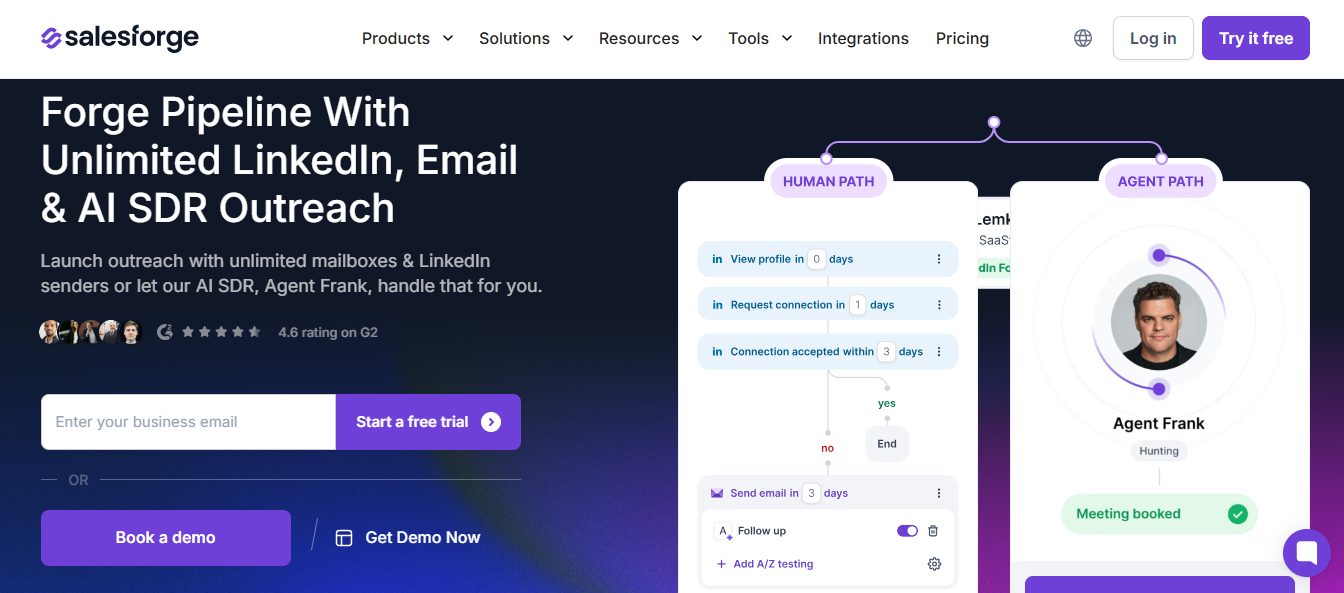
Valley AI does LinkedIn. Salesforge does LinkedIn and email from one platform.
That difference matters when you're running outbound at scale.
With Valley, you pay $395/month for one LinkedIn account.
With Salesforge, you connect unlimited emails and LinkedIn senders without hitting a seat limit.
For a team of five, that math alone makes a significant difference by the end of the year.
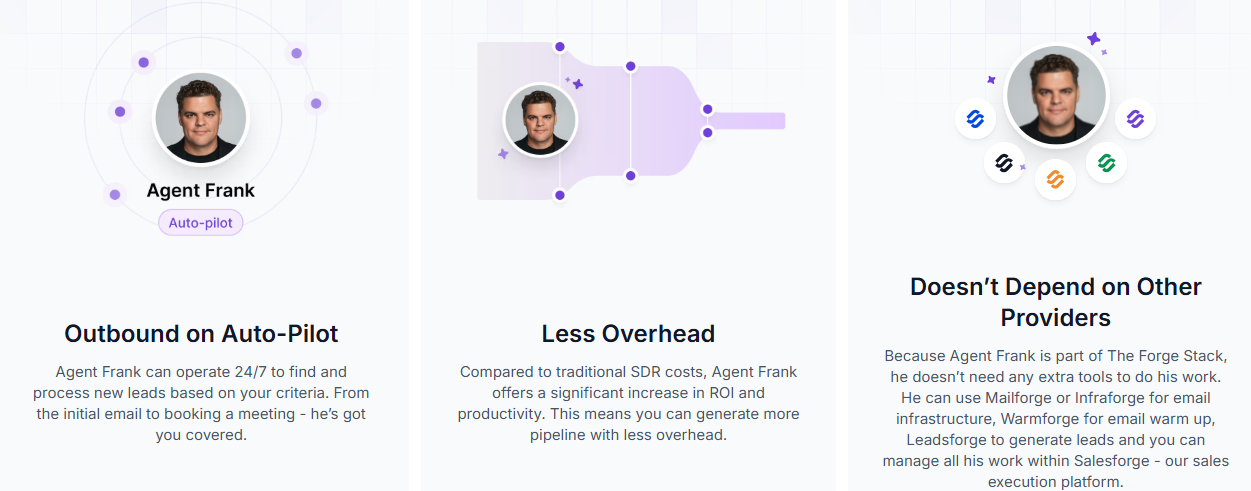
While Valley AI automates LinkedIn messaging, Agent Frank works like an extension of your human SDR but with AI capabilities.
It handles the full outbound cycle, from finding leads, writing messages, sending them, and managing replies. No human intervention required!
If you need LinkedIn-only warm outbound and have the budget, Valley works.
If you need email plus LinkedIn, want to scale without per-seat costs, and want one platform to run everything, Salesforge helps you do all this without subscribing to other tools.
Valley AI works for a specific type of outbound warm, LinkedIn-only, with a clear ICP and the budget to match.
If that describes your situation, it does the job well.
But if you need email and LinkedIn running together, unlimited senders without per-seat costs, and one platform to manage everything, Valley AI is not built for that.
That's where Salesforge fits better.
Salesforge handles the complete outbound workflow.
Email, LinkedIn, unlimited senders, reply management through Primebox™, and inbox warmup through sister product Warmforge, all in one place.
No extra tools. No stitching subscriptions together. No fine print on guarantees.
Start your free trial with Salesforge!
.jpg)

.jpg)

.jpg)

