If you’re trying to scale multi-channel sales outreach, you’ve probably heard about Outreach.io.
In this io review, we’ll provide a detailed evaluation of Outreach.io, covering its features, benefits, and how it stacks up in the current market.
It’s one of the most popular sales engagement platforms used by enterprise teams, but is it still the best choice in 2025?
You might be wondering:
In this blog, I’ll break down everything you need to know about Outreach.io, its features, pricing, pros and cons, and what real users are saying.
By the end, you’ll know whether Outreach.io is the right sales engagement tool for your team in 2025, or if another option fits better.
Note: Many businesses seek alternatives to Outreach.io due to its high cost and required annual commitment, which can be challenging for smaller companies.
Outreach.io is a comprehensive sales engagement software and sales engagement platform built for large sales teams that want to manage the entire revenue workflow in one place.
Companies of various sizes use this software to streamline their sales workflows and improve customer engagement.
It isn’t just an email sequencer, it combines engagement, deal management, forecasting, and coaching into one system. Outreach.io integrates with major sales tools like Salesforce, Gmail, and Outlook to further streamline workflows.
It has multiple AI agents that handle research, track deal health, suggest next steps, and even guide reps during live conversations.
So, what do you actually get with Outreach.io? It’s not just another email tool.
Outreach has split its platform into different products, and each one handles a part of the sales workflow.
Here’s how it works:
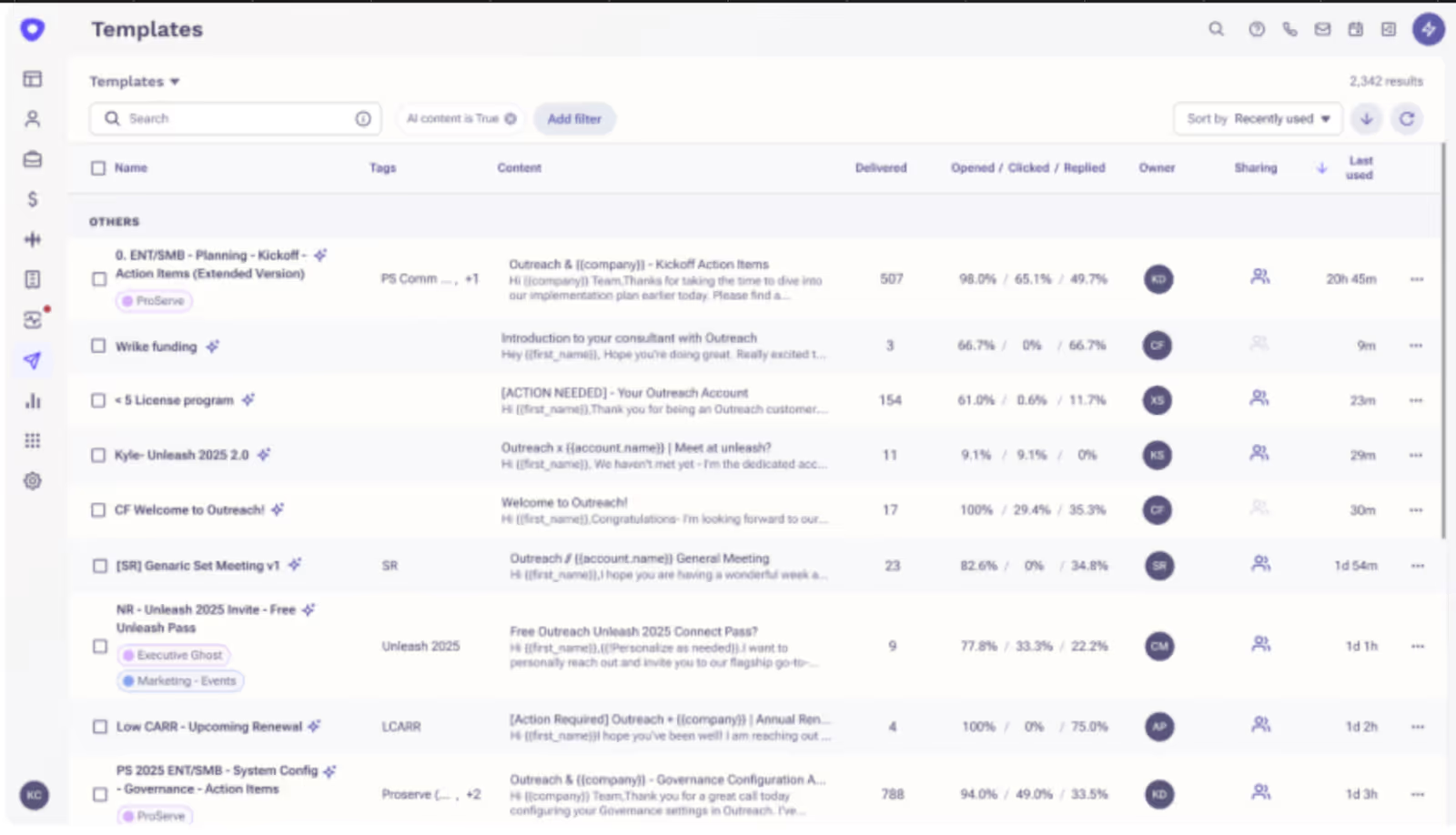
This is where you run your email and LinkedIn campaigns.
You can send emails, automate follow up emails, and manage outreach campaigns to both prospects and existing customers.
Contact management is a key feature, allowing you to organize and communicate with contacts efficiently. You can set up templates, automate follow-ups, sync with your CRM, and build workflow rules.
Outreach.io provides in-depth reporting on sequence performance and team activity, and offers detailed analytics about email outreach campaigns in real time.
Outreach comes with its own dialer.
You can make calls, record them, monitor live conversations, and even get AI call summaries so you don’t waste time on notes.
This product handles your meetings.
It gives you real-time transcription, action items, and coaching insights to make every meeting more productive. Outreach.io includes a digital assistant named Kaia that monitors, transcribes, and enables meetings in real time.

If you want pipeline visibility, this is where you’ll spend time.
Outreach.io offers a comprehensive overview of the sales pipeline, integrating data from multiple sources. It shows deal health, gives AI deal scores, helps you focus on the right accounts, and helps track projected revenue.
Sales leaders use this for scenario planning and revenue projections.
Outreach.io's sales forecasting tools leverage AI and machine learning to create accurate, data-driven forecasts for deals and sales performance. It helps them see whether the team is on track to hit targets.
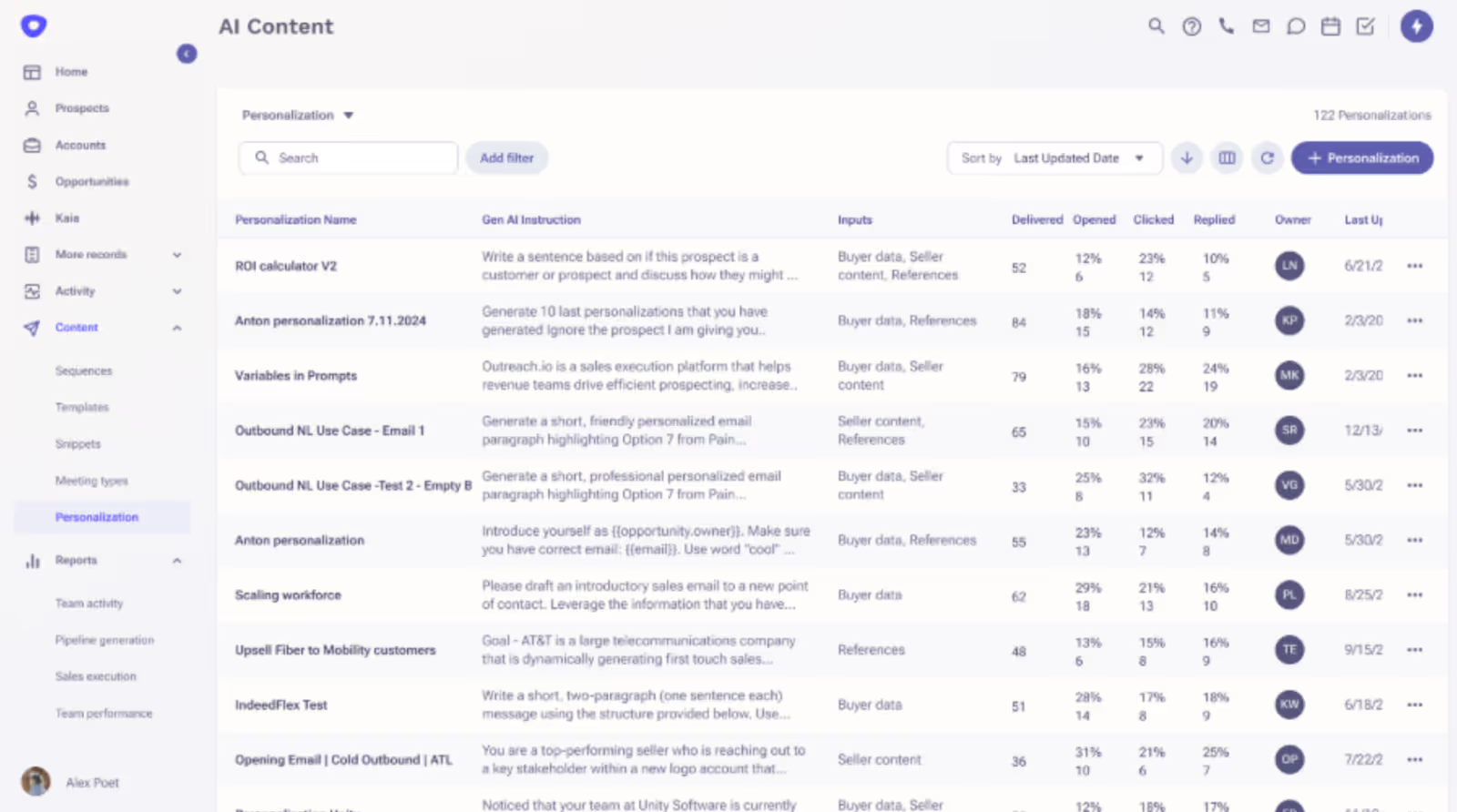
This is where AI comes in.
Outreach uses credits to power enrichment, prospecting, and personalization tasks.
It includes AI-driven sentiment analysis to evaluate and categorize prospect responses in real time, enhancing personalization.
The platform also provides revenue intelligence and sales coaching by offering actionable insights and personalized feedback for sales reps and managers.
Now, let’s talk about Outreach’s AI features.
So, to sum it up: Outreach.io offers everything from email sequences to forecasting and AI agents. It’s feature-rich, but many users find the interface less user friendly and complicated, leading to a steep learning curve.
That’s great if you’re running a large sales org with complex workflows. But if you’re a smaller team, you might find it heavy compared to simpler outreach tools.

Before putting this review together, I wanted to look at Outreach.io the same way you would if you were deciding whether to buy it, and to consider how it stacks up in the broader sales engagement platform market.
So, I broke it down into a few simple points:
What do you actually get with Outreach? I tested the main modules like Engage, Call, Meet, Deal, Forecast, and the new AI agents.
Is it simple to set up and run daily, or does it require a big sales ops team? I paid attention to how fast you can get campaigns live. Many users report that Outreach.io has a steep learning curve and a complicated user interface, making it less user-friendly than some alternatives.
Outreach.io is known for Salesforce. But I also looked at how well it connects with Gmail, HubSpot, and other tools.
Since the pricing isn’t public, I gathered data from 100+ user reviews to see the real per-seat cost and contract terms.
I read feedback from G2, Reddit, and Trustpilot to understand what people actually like and what frustrates them.
Finally, I considered whether Outreach delivers results: better reply rates, clearer forecasting, and faster deal movement.
👉 TL;DR: We reviewed Outreach.io based on its features, ease of use, integrations, pricing, user reviews, and performance to give you a full picture before you decide.
Outreach isn’t a cheap cold email tool.
It is made for large sales teams running multi-channel outreach at scale.
The pricing of Outreach.io isn’t public. Outreach.io also lacks a free trial option for potential users to test the product before committing to a purchase.
It’s per user, no platform fee, request a quote only. From Outreach reviews, most teams end up paying $100–$160 per seat/month. The starting price is around $100 per user per month, but this can increase based on additional features and user needs.
The pricing model is based on a per-user basis, which can become expensive for larger teams. Users have expressed frustration with hidden costs and the lack of transparency in Outreach.io's pricing structure.
While Outreach.io aims to help businesses increase revenue through more effective outreach, the high cost can be a barrier for some organizations.

If you’ve already made up your mind that Outreach isn’t the tool for you, here’s:
Our Tested 5 Outreach Alternatives For Easy + Effective Cold Outreach in 2025
Most AI SDRs failed because they only automated small tasks like drafting generic emails.
Outreach is positioning theirs as a coworker that runs full workflows instead of just taking notes.
They’ve built three core pieces.

If you read through Outreach.io reviews, you’ll notice one thing: people don’t love everything, but they do like a few features.
So the pros of Outreach.io would be its automation, CRM sync, and reporting.
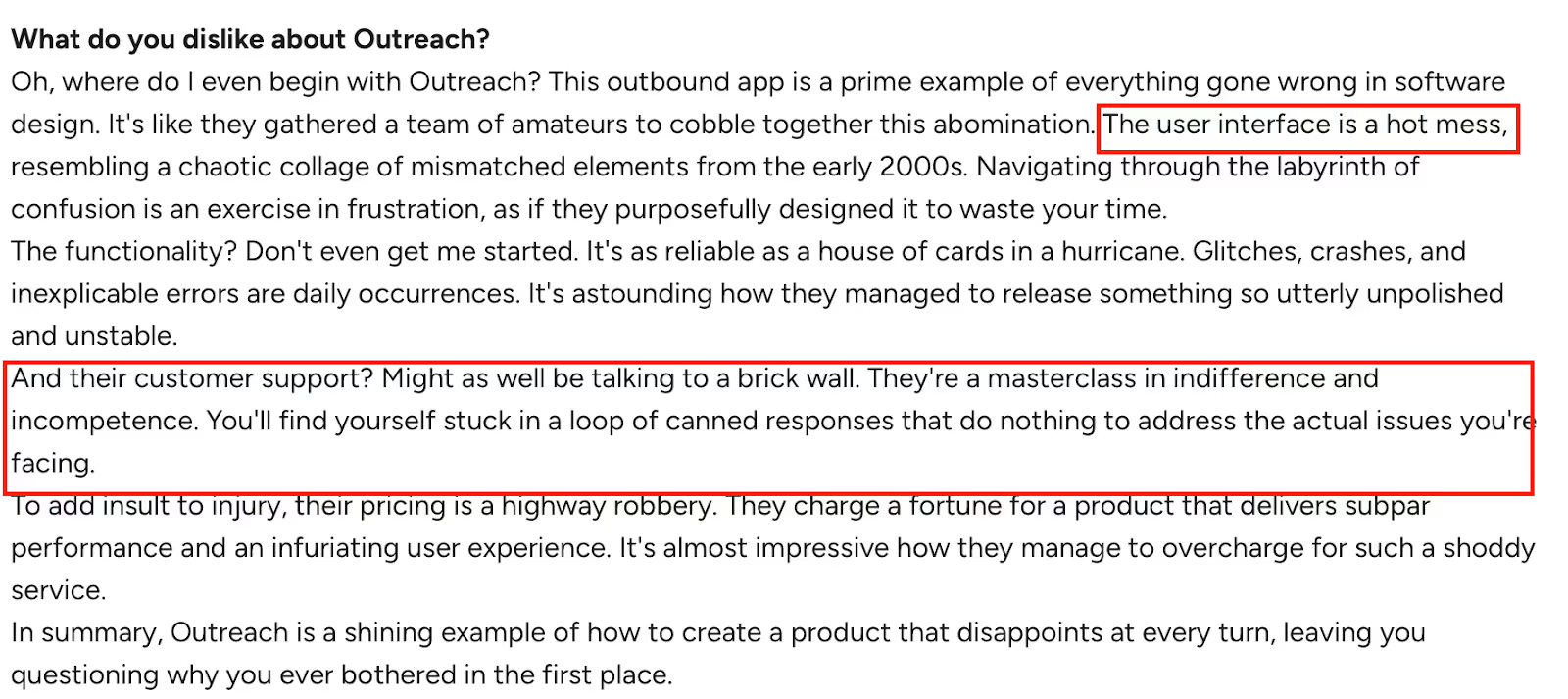
Now let’s get to the critical Outreach.io reviews. And there are a lot.
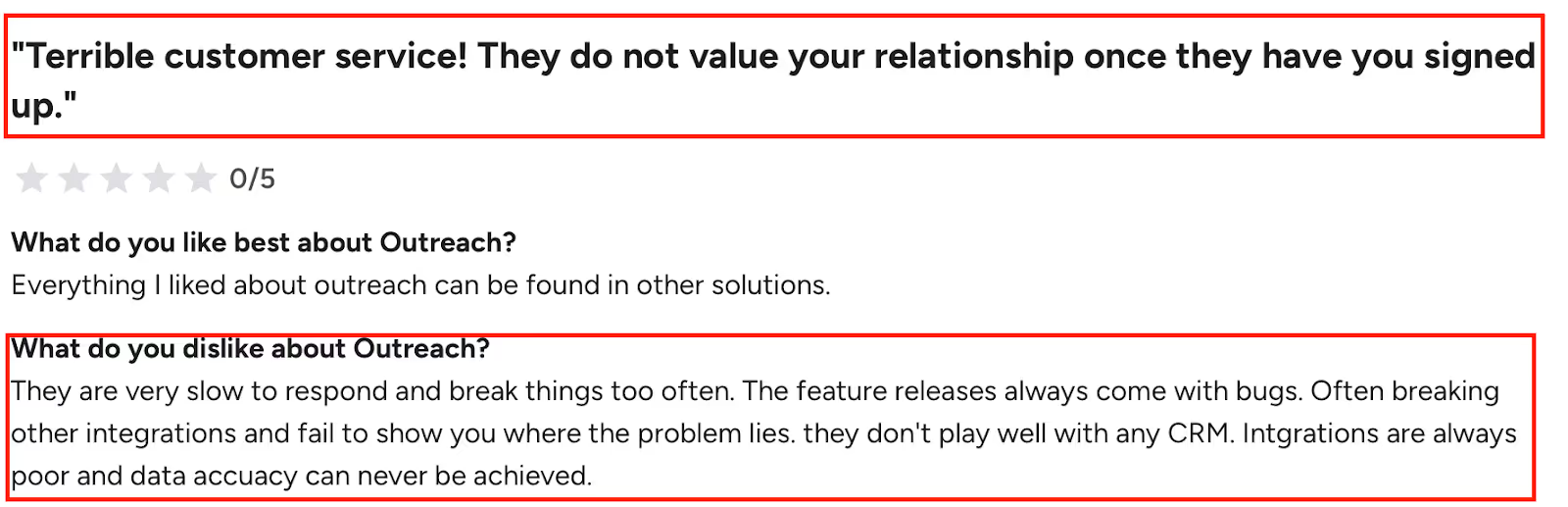
That means missed contacts and wasted hours for BDs.

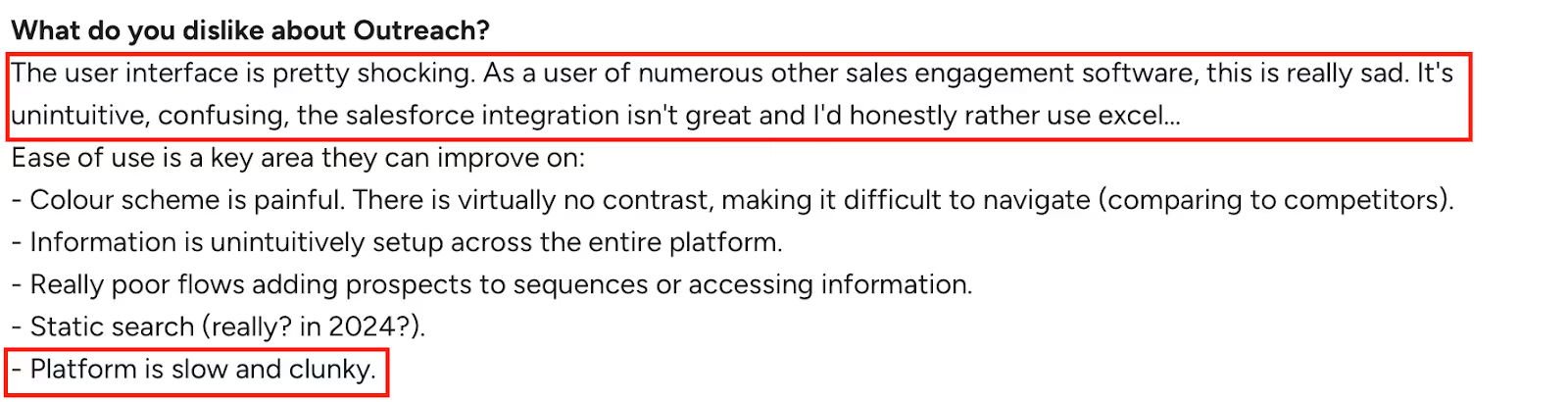
It uses a per-user model with no platform fees, but you’ll need to request a custom quote to know what your team will actually pay.
Many small businesses say Outreach.io is just an expensive email scheduler.
The cons of Outreach.io are clear: poor support, broken integrations, high costs, and an unstable platform. The support team is often described as unresponsive, which is a common reason for user dissatisfaction.
User experiences are sharply divided between those who value Outreach.io's enterprise-grade depth and those frustrated by its complexity and cost, leading to fewer recommendations.
For small businesses, these issues are deal-breakers.
Outreach.io comes with long setups, complex workflows, and a high per-seat cost.
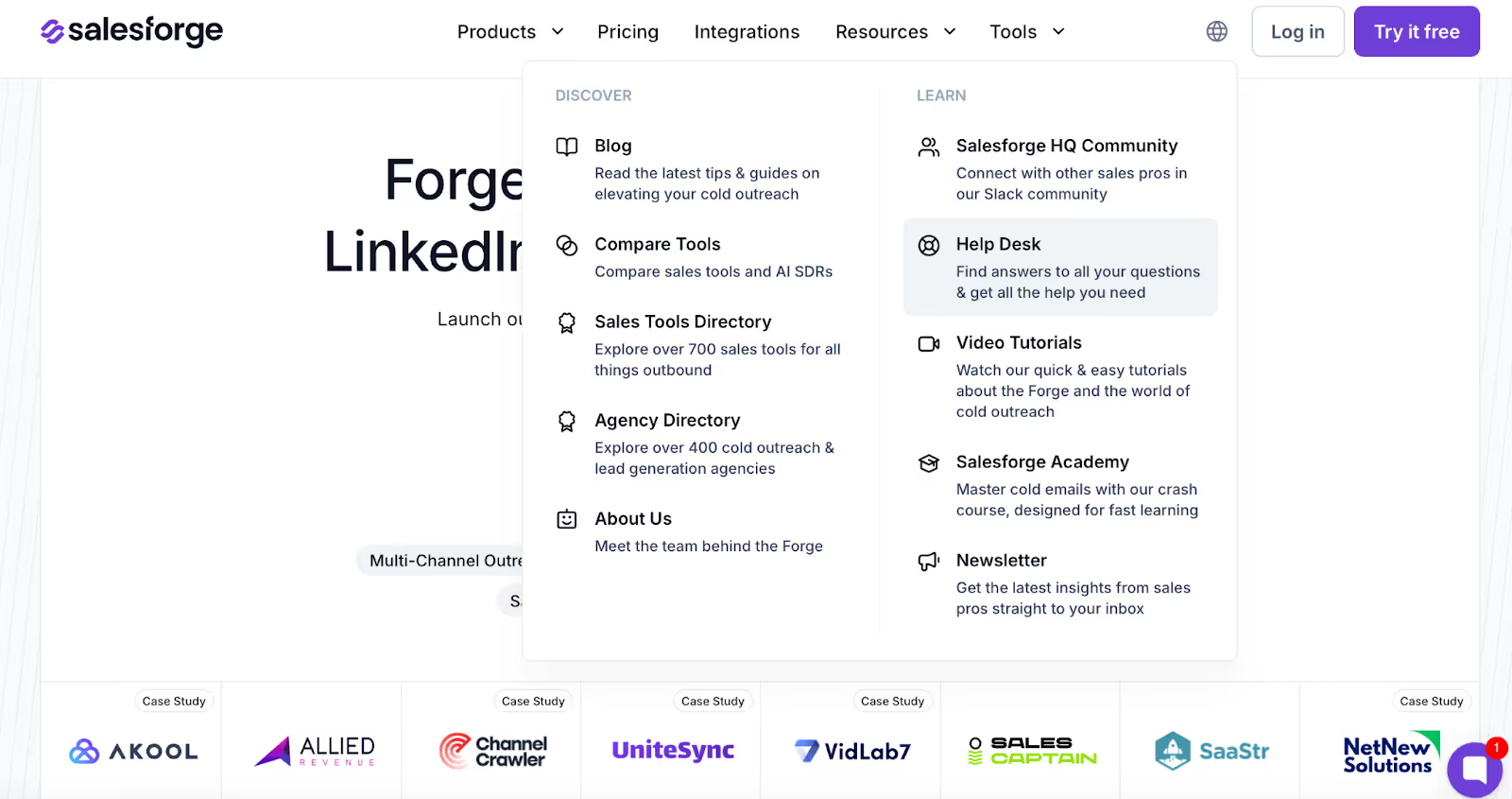
Salesforge takes a different approach. It focuses on automating and personalizing cold emails at scale, improving engagement and response rates without the overhead of managing multiple modules.
Salesforge and similar tools help users efficiently build and manage contact lists, streamlining the process of organizing and communicating with prospects.
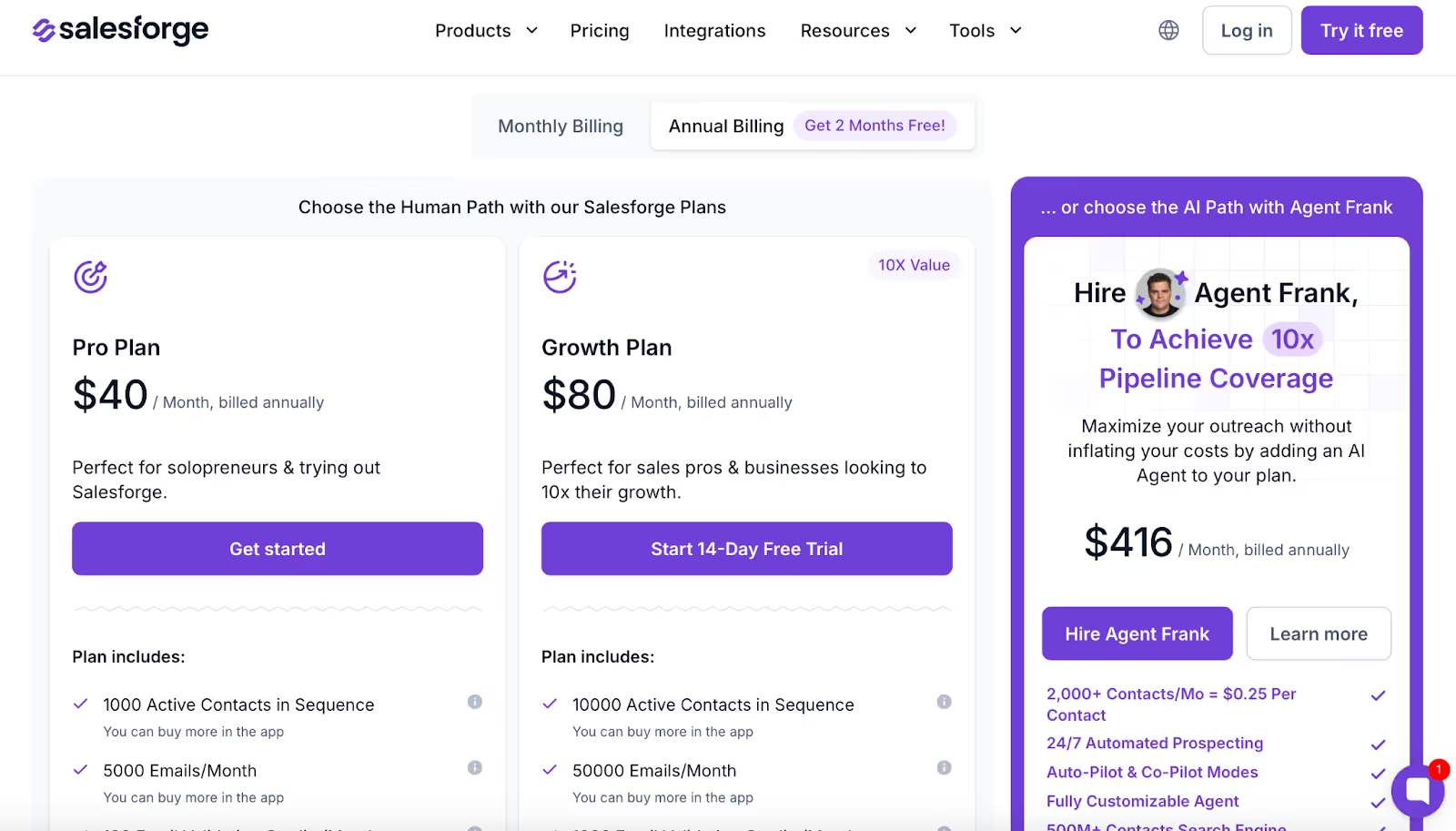
Teams can start quickly with Pro or Growth plans, while those who want full automation can use Agent Frank, an AI SDR that finds prospects, writes personalized emails, and manages replies in the inbox.
When comparing alternatives, it's worth noting that GMass allows users to automate follow-up emails and personalize mass emails, which can enhance customer relationship-building.
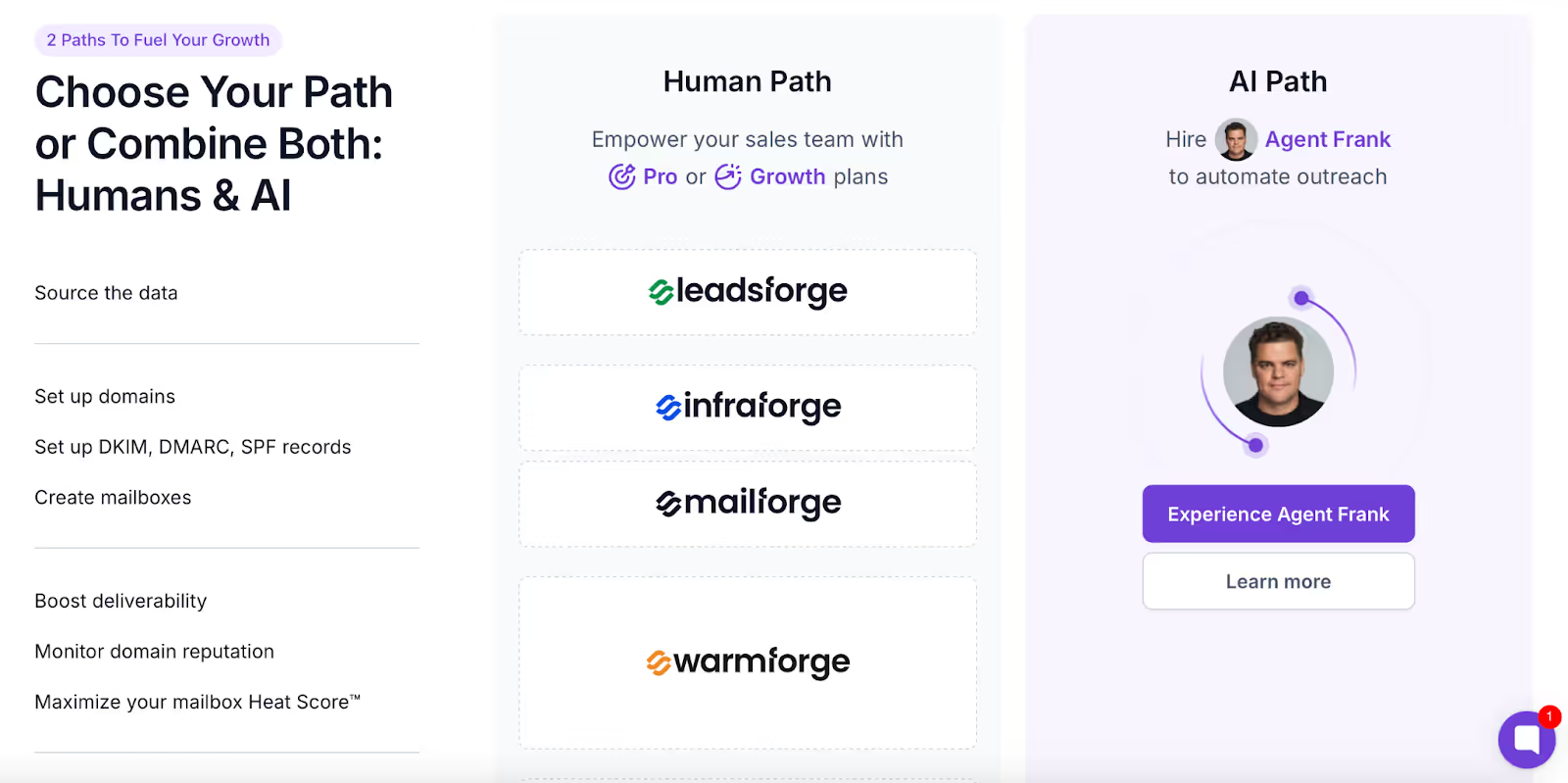
Salesforge helps users build lists of prospects and customers for targeted outreach, making it easier to engage both new leads and existing clients.
Here is a direct comparison table of Outreach and Salesforge for more clarity.
After digging into 100+ Outreach.io reviews, the picture is clear:

Outreach.io makes sense for organizations with complex sales operations and the budget to support them, especially those needing advanced sales forecasting and projected revenue analysis.
For startups, agencies, and SMBs, the platform can feel heavy and difficult to justify.
In those cases, exploring alternatives that are easier to set up, more transparent on pricing, and stronger on deliverability may be a better path forward. GMass, for example, is an email outreach tool that integrates directly with Gmail and offers better ROI compared to Outreach.io.
Salesforge is one such alternative, with flexible plans starting at $40 per month and a deliverability-first approach that includes DNS setup, warmup, and mailbox rotation by default.
👉 Start your 14-day free Salesforge trial today
.jpg)

.jpg)

.jpg)


